RELATED PHOTOS
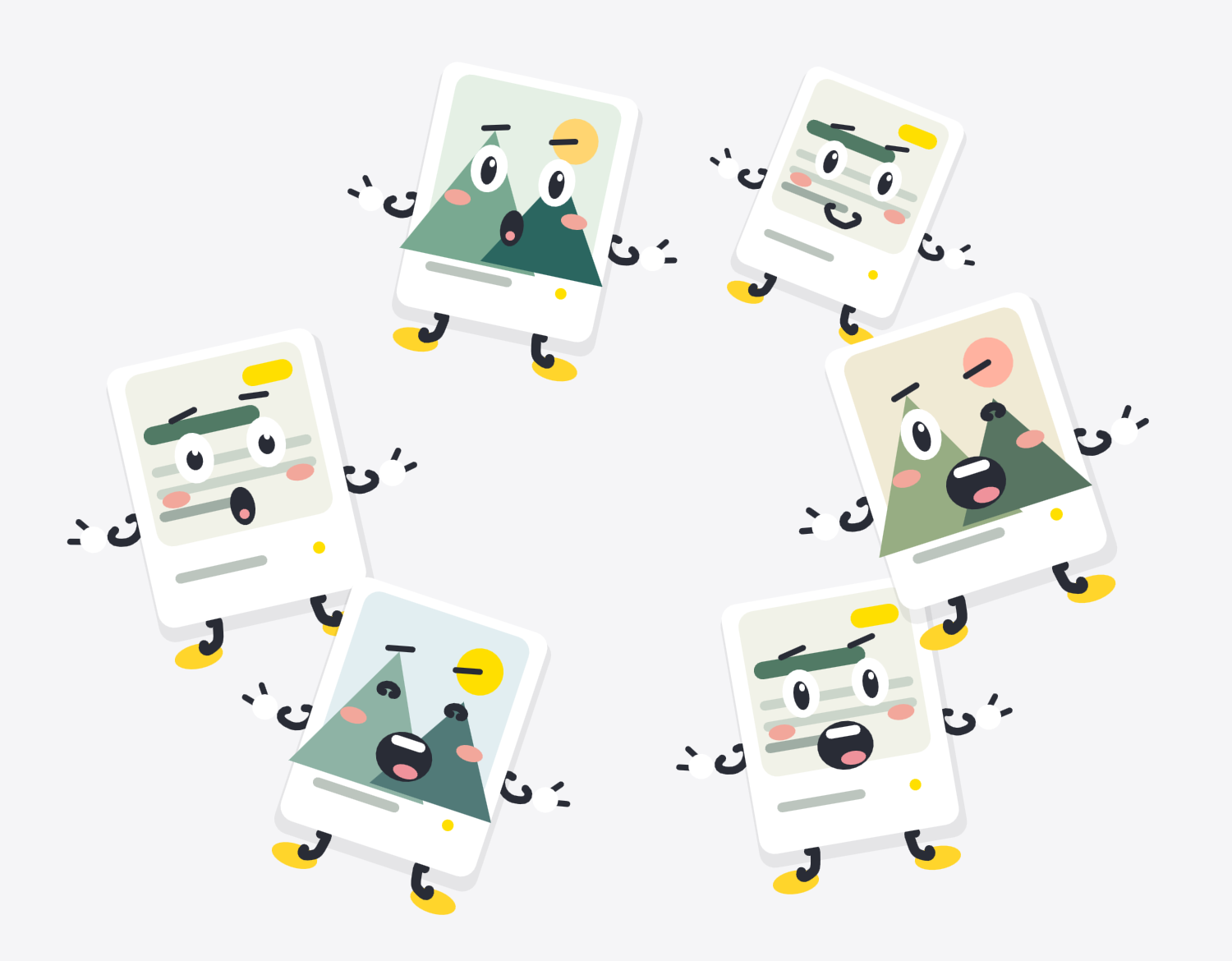
They have somethingin common.
Discover groups of related photos and screenshots. Start with a suggestion, take a closer look, and save the ones you choose.
A shared theme. A natural little group.
 PiczoPiczo
YOUR PHOTOS, IN GOOD COMPANY
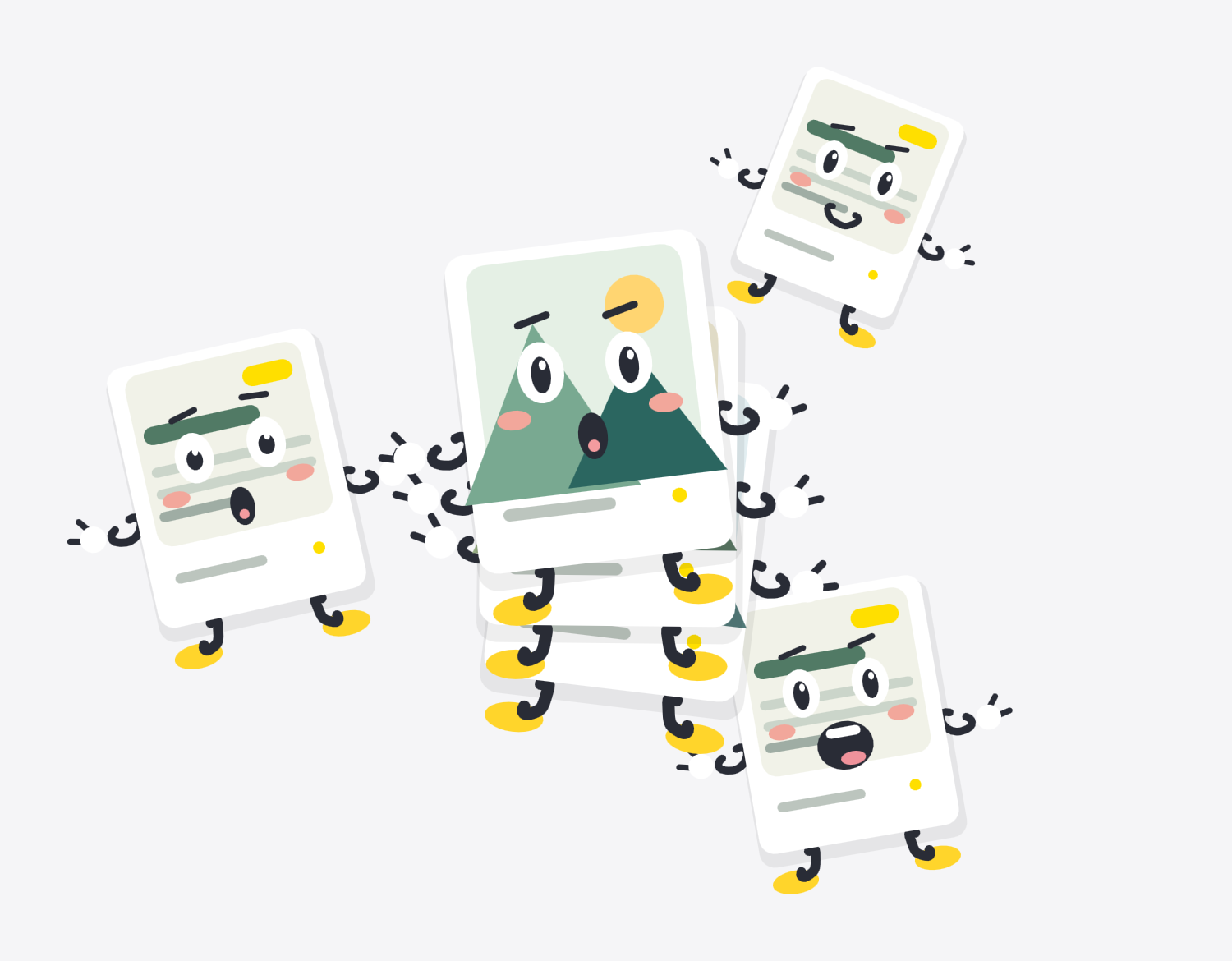
The trip you loved. The ideas you saved. The screenshots you meant to read. Bring related photos together, and make room for the moments.
Made for iPhone & iPad · iOS 18+
Try it. These little photos belong together.
LESS SWIPING. MORE FINDING.
Piczo finds the connections. You decide what to keep together.
RELATED PHOTOS
Discover groups of related photos and screenshots. Start with a suggestion, take a closer look, and save the ones you choose.
YOUR ALBUMS
Pick one photo to begin an album. Add more to refine its theme. New suggestions stay separate until you confirm them.
Piczo finds the connections. You decide what to keep together.
LONG SCREENSHOTS
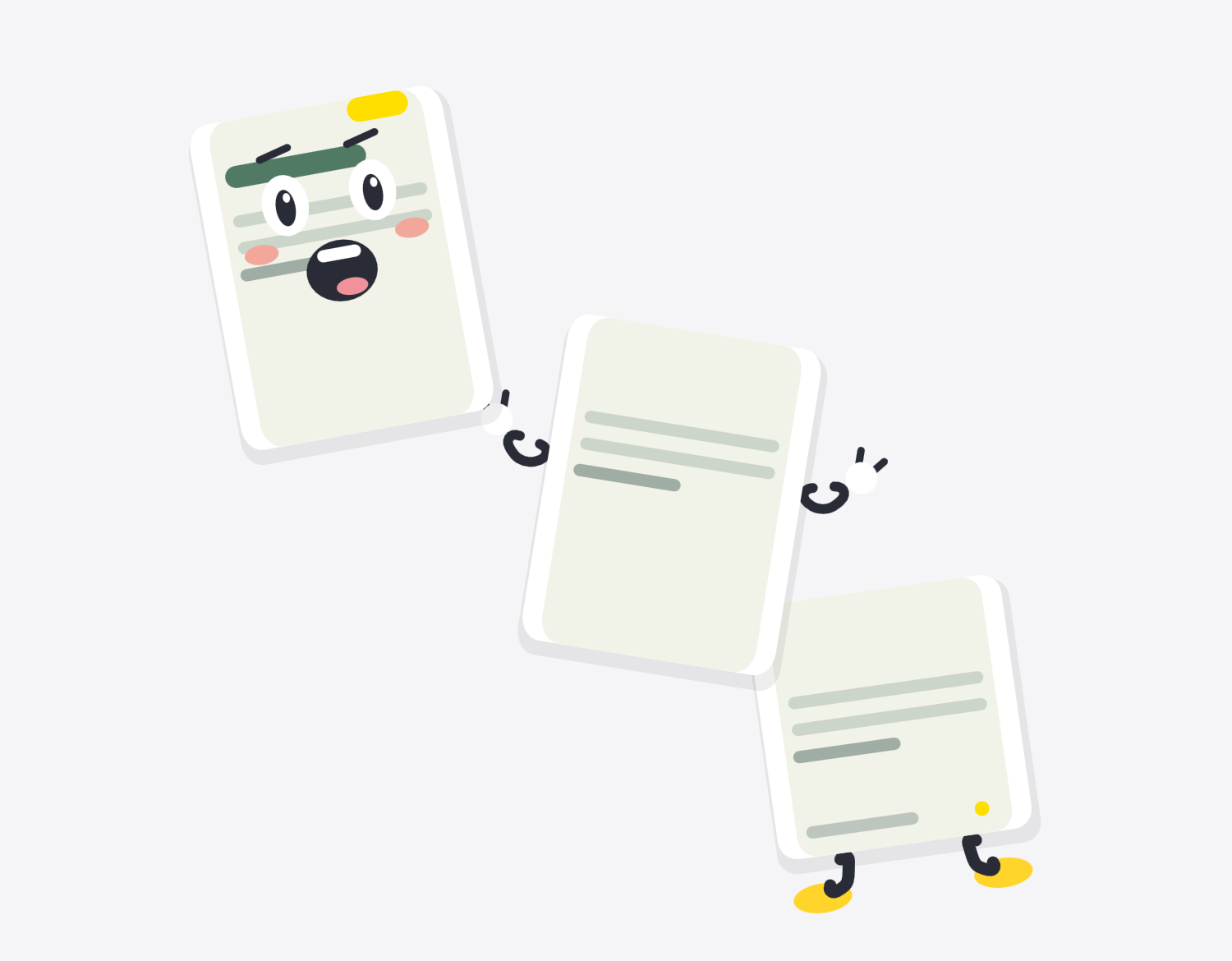
Join overlapping screenshots so a conversation, an itinerary or a saved idea can be read and shared in one go.
Illustrated demo · overlapping screenshots required
PERSONAL MEANS PERSONAL
Photo analysis, text recognition and grouping happen on your device. Piczo doesn’t upload your photo library to our servers. Photos stored in iCloud are retrieved through Apple’s Photos service.
How your data is handledONE PURCHASE. NO SUBSCRIPTION.
Make as many albums as you like, and choose whether your shared long screenshots carry the Piczo watermark.
Tap to flip · Move your pointer to explore
| Piczo | Free | Lifetime Pro |
|---|---|---|
| Albums | Up to 3 | Unlimited |
| Brand watermark on shared long screenshots | Included | Can be turned off |
Unlock in the app. Pricing is shown by the App Store. Saved long screenshots count as albums.
No photo library is uploaded to our servers. Analysis and grouping run on your device. iCloud photos may need a network connection to download through Apple’s Photos service.
Creating Piczo albums and exporting a stitched screenshot don’t modify the source photos. Deleting photos is a separate action that you confirm.
You can create up to 3 albums, including saved long screenshots. Shared long screenshots include a brand watermark. Lifetime Pro unlocks unlimited albums and the option to turn off that watermark.
Stitching needs compatible screenshots with clear overlapping content. Missing, edited or unrelated screenshots may not form a complete long image.
PICZO / Piczo
A quieter home for your photos, right on your iPhone and iPad.
See availabilityThe public download link will be added when available.